
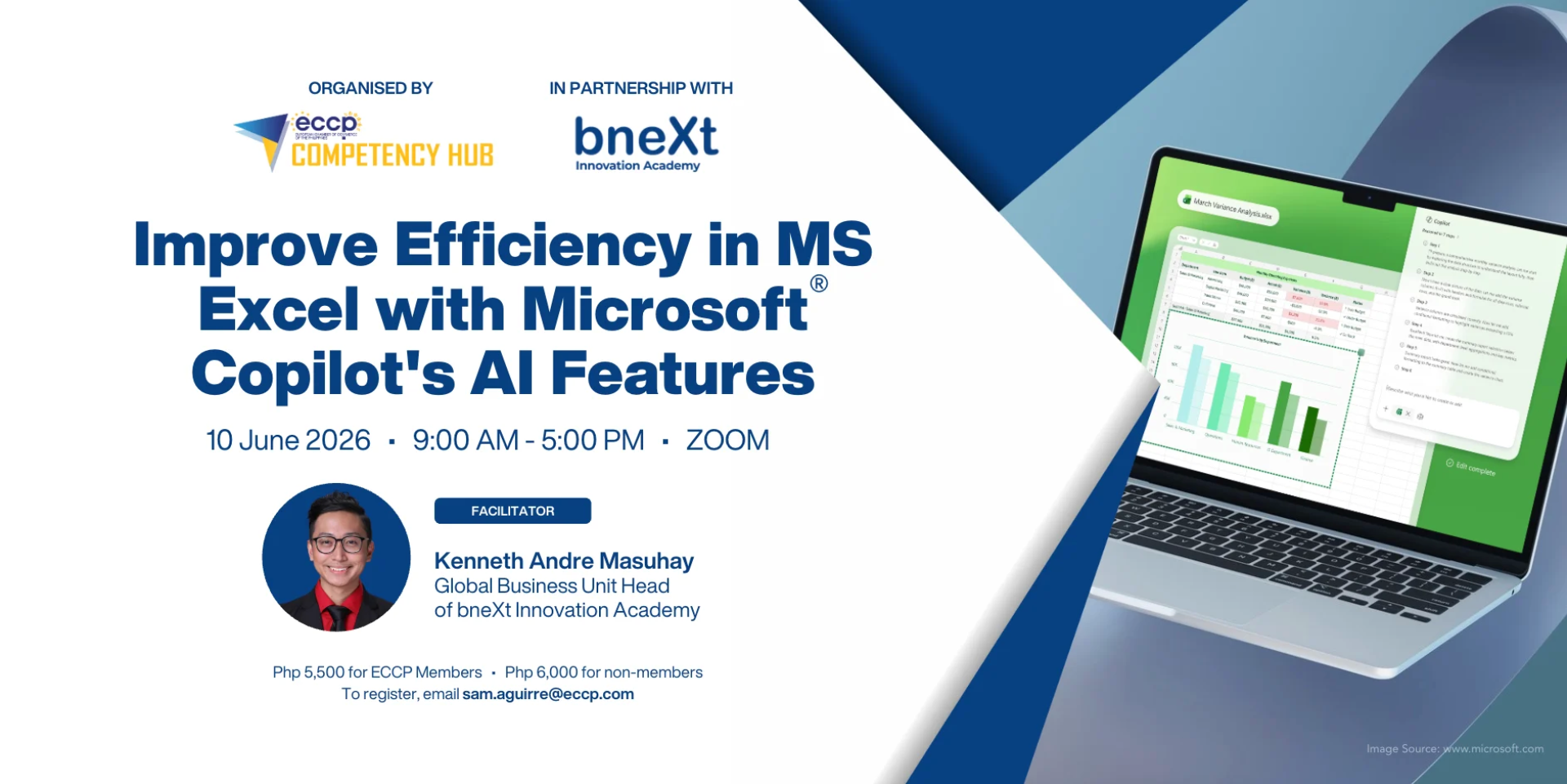
Improve Efficiency in MS Excel with Microsoft Copilot's AI Features
- This is a Training on Microsoft Copilot on Excel - Enhance Your Efficiency with MS Copilot's AI Features
Course Objectives
This course is designed to help professionals improve efficiency using Microsoft Excel combined with AI- powered tools such as Microsoft Copilot. The course focuses on practical, real-world applications of AI in Excel—from automating repetitive tasks to generating insights and supporting decision-making.
Participants will learn how to move beyond manual spreadsheet work and adopt smarter, faster workflows using AI. Through a combination of guided demonstrations, hands-on exercises, and business use cases, learners will gain immediately applicable skills that improve productivity across various functions such as operations, finance, human resources, and management.
This program is suitable for participants at all levels, from associates and analysts to managers and executives, with a focus on simplicity, practicality, and impact.
Prerequisites and Requirements
-Downloaded copy of the latest version of Microsoft Excel on device.
-Access to the free version of MicrosoftCopilot. Premium version recommended but not required.
Training Outline/Coverage:
Session 1: Understanding Microsoft CoPilot in Excel
• What changed since last year (AI evolution in Excel/Copilot)
• Common Excel pain points across roles
• Introducing Copilot: what it can and cannot do
• Prompting fundamentals for Excel users
Session 2: Core Productivity Use Cases in Excel with Copilot
• Data cleaning & transformation
• Formula assistance (without memorizing formulas)
• Creating insights (trends, summaries)
• Generating charts automatically
Session 3: Top 10 High-Impact Excel + AI Use Cases (No Complexity, Just Results)
• Cleaning and organizing messy datasets
• Generating reports instantly
• Explaining complex formulas in plain language
• Summarizing large datasets for quick insights
• Identifying trends and anomalies
• Drafting emails based on Excel outputs
• Creating simple forecasts
• Building quick dashboards
• Preparing presentation-ready insights
• Automating repetitive Tasks
Session 4: From Data to Decisions – Turning Excel into a Business Tool
• Turning data into insights using AI
• Interpreting trends and patterns
• Generating recommendations with AI
• Data storytelling for stakeholders and executives
Session 5: Best Practices and Advanced Tips
• Best Practices for Using CoPilot in Excel
• Advanced Tips and Tricks